

- Websites: Domain whitelisting
- Mobile apps: Package name whitelisting
Submitting a whitelist request
- Go to Payment Gateway Dashboard > Developers > Whitelisting.
- Click Add New.
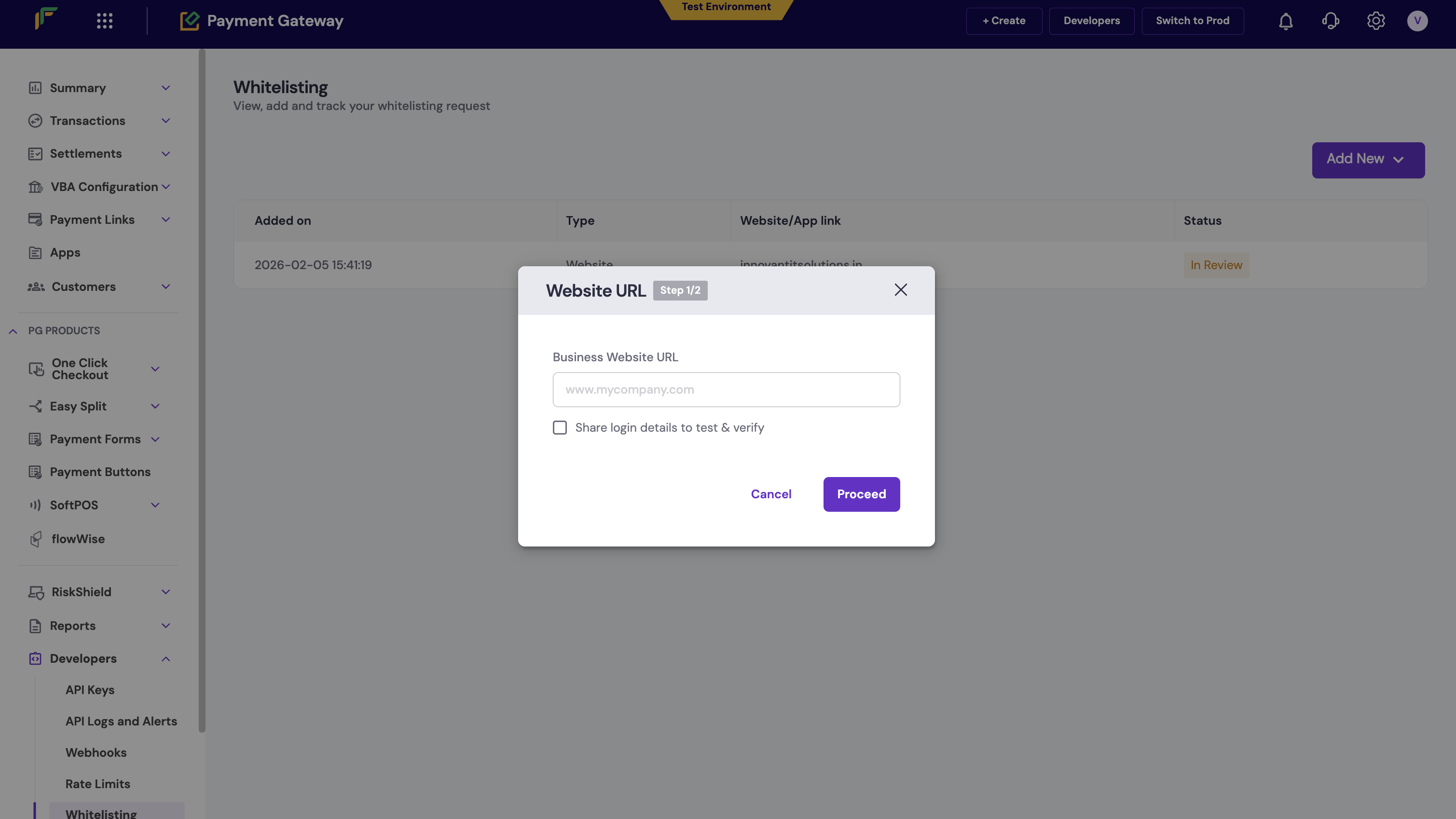
- Select the whitelisting type:
- Website URL for websites.
- App Link for mobile apps.
- Enter the required value and click Proceed.
- Ensure the following details are present on your website for whitelisting:
- Policy pages:
- Contact Us
- Terms and Conditions
- Refunds and Cancellations
- Other details:
- Products or services should be listed.
- Product or service pricing should be in Indian Rupees (INR).
- Policy pages:
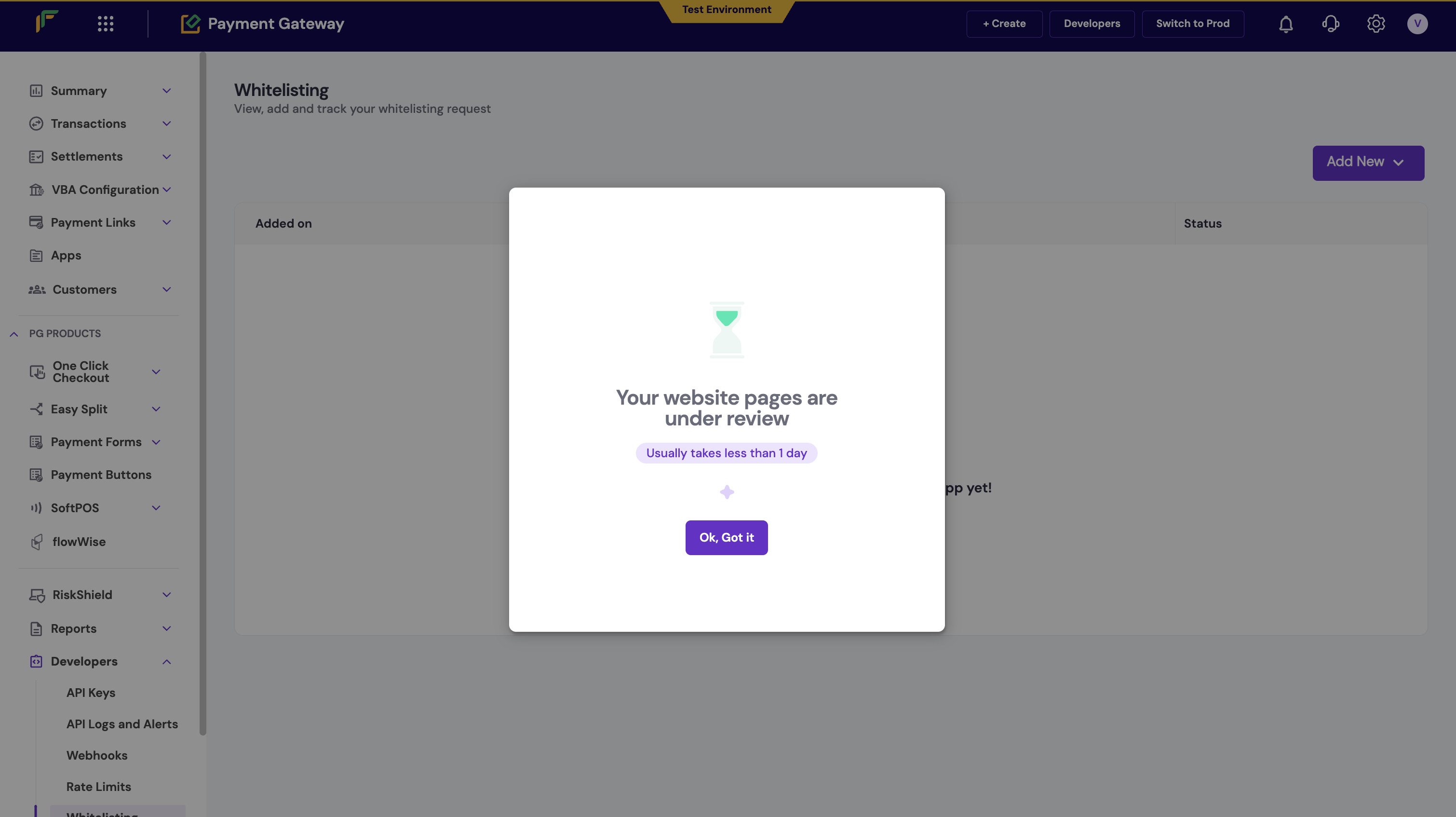
- Click Confirm & Proceed. Your website or app will be reviewed and approved.
The line of business for the new domain must match your existing line of business. If you need to add a domain with a different line of business, you must create a new Cashfree account with a different email address.
Format guidelines
Website domains
Only secure URLs beginning withhttps:// are accepted. Custom ports and certain subdomains are not supported.
Mobile apps
Only official app listing URLs from Google Play Store for Android or Apple App Store for iOS are allowed.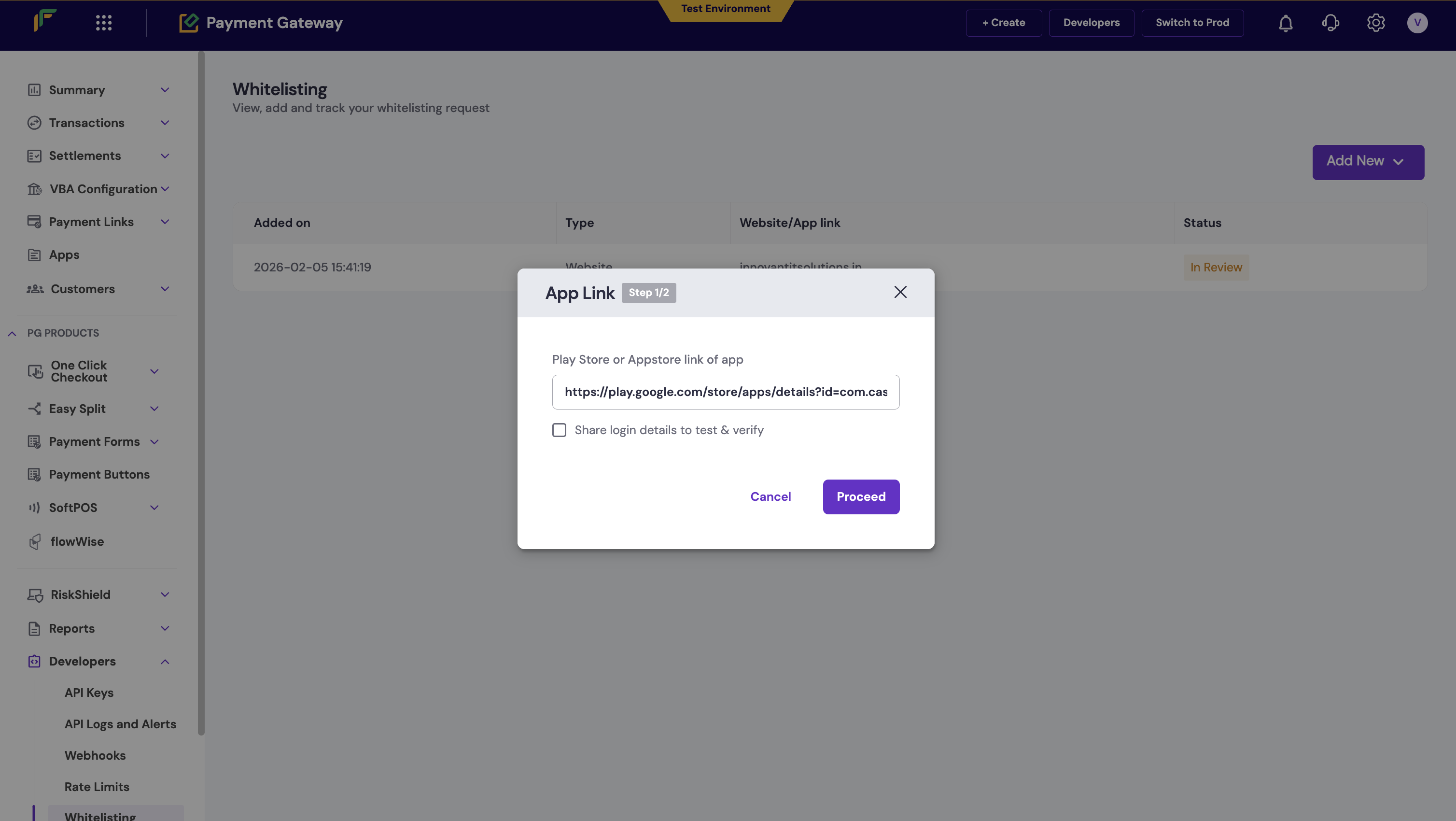
Ensure the Play Store or App Store link does not contain tracking parameters. Only the clean listing link (for example,
https://play.google.com/store/apps/details?id=your.package.name) is accepted.Tracking your request
You can track the status of your whitelisting request from the whitelisting homepage. The dashboard displays:- Submission date and time.
- Domain or package name.
- Current status.
Processing time
- Standard processing time: Most whitelisting requests are reviewed and approved within 24 hours of submission.
- For urgent queries: If you need expedited processing, please fill out the detailed support form with your specific requirements.
FAQs
Is the UPI Intent configuration for WebView (JS SDK) account-based or domain-based?
Is the UPI Intent configuration for WebView (JS SDK) account-based or domain-based?
The configuration to enable UPI Intent on the checkout (JS SDK) for WebViews is account-based. It is not tied to specific whitelisted websites or domains.
How do I whitelist an Android app package name in the Production environment?
How do I whitelist an Android app package name in the Production environment?
To whitelist your Android app package name in Production:
- Log in to your Merchant Dashboard and navigate to Developers > Whitelisting.
- Select New Request.
- Choose App Package (or App Link, depending on dashboard version) from the dropdown.
- Enter the package name (for example,
package.cashfree.com). - Click Add.
/) at the end of the package name. Approved package names can take up to 60 minutes to function.