Vendor Reconciliation API
To fetch vendor-wise settlement or reconciliation details programmatically, use the Vendor Reconciliation API (POST /pg/recon/vendor). The API provides details including Vendor ID (merchant_vendor_id), settlement amount, status, settlement time, and settlement UTR. You can filter by Vendor ID and time period, by time period only (across vendors), or by Settlement ID.
After receiving a VENDOR_SETTLEMENT_SUCCESS webhook, wait approximately 15 minutes before calling this API to ensure the data is available. See the Vendor Reconciliation API reference for full details.
To view the vendor settlement recon report,
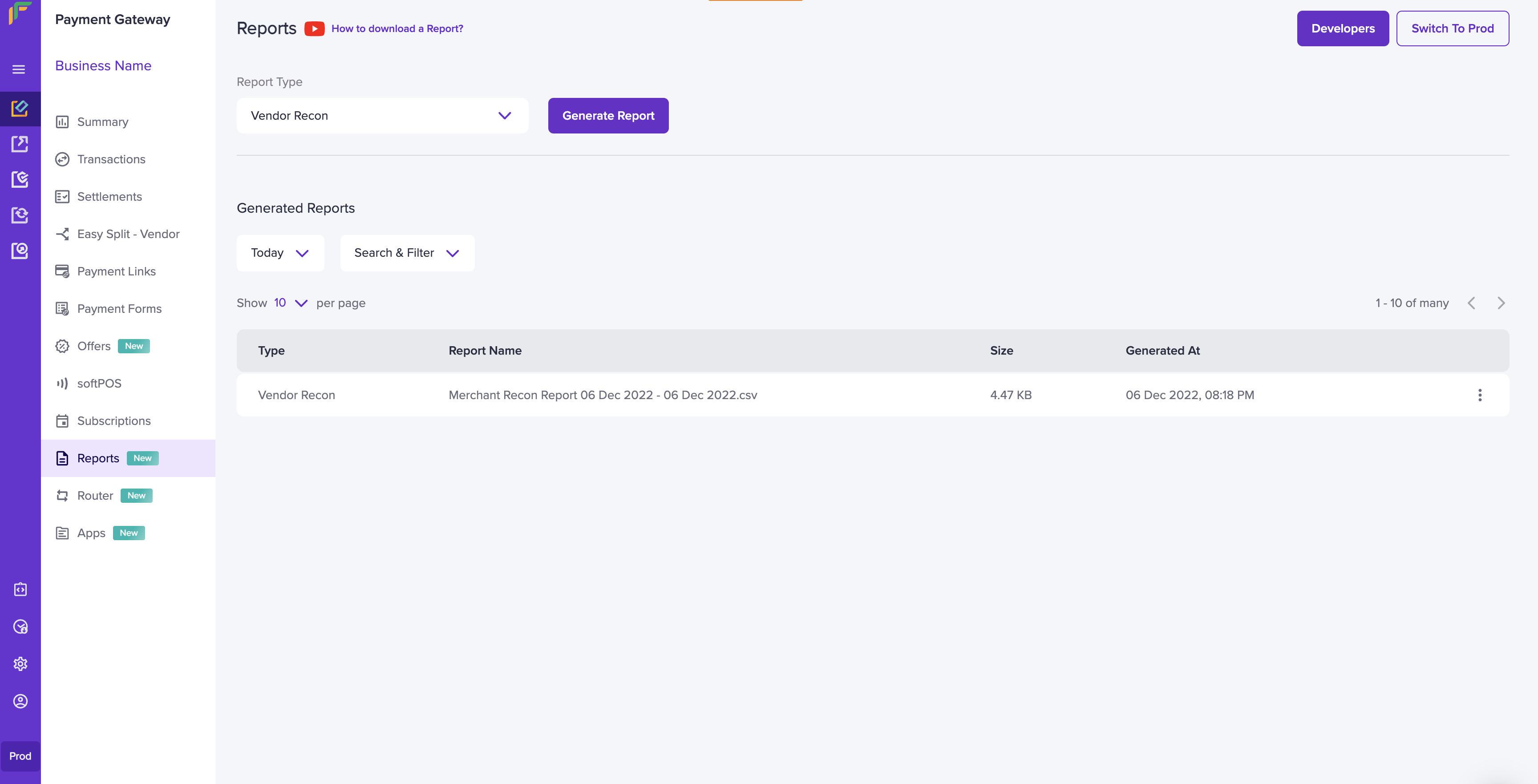
- Go to Payment Gateway Dashboard > Reports.
- In the Report Type field, select Vendor Recon and click Generate Report.
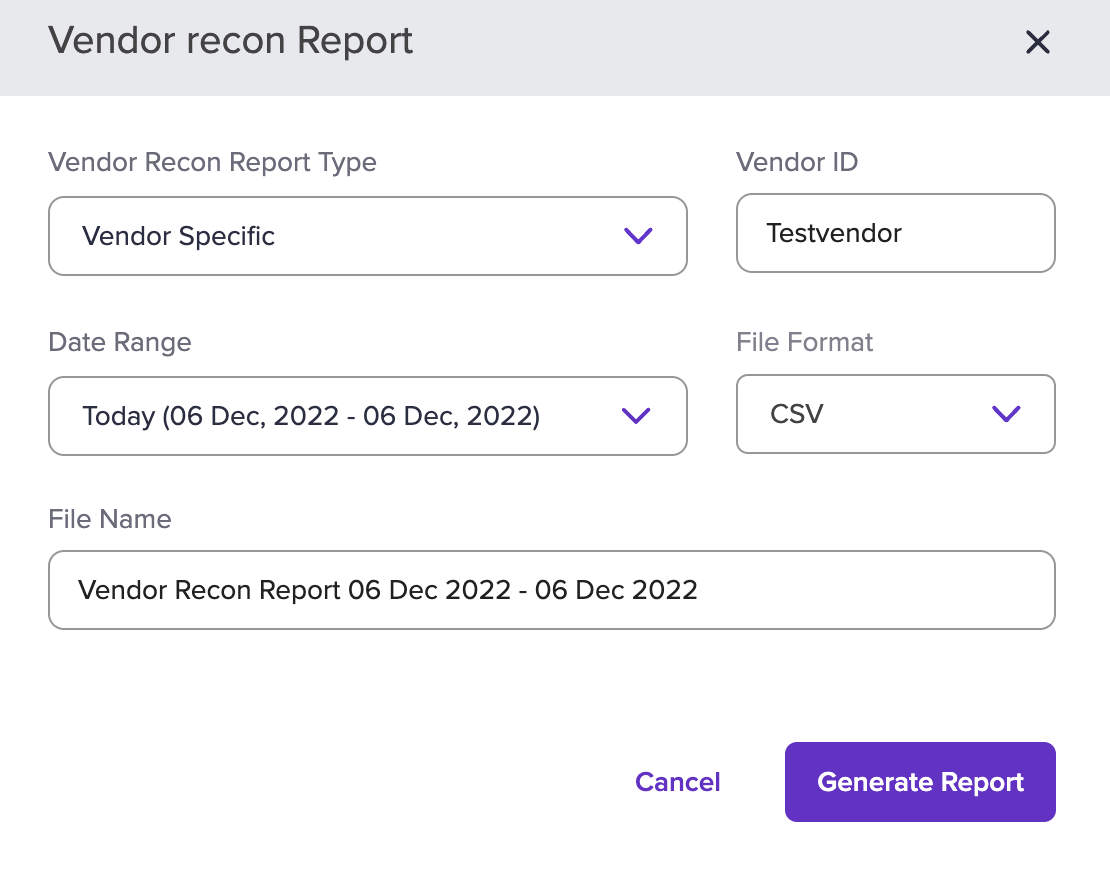
- Select the vendor recon report type, date range, file format, and provide the file name. Click Generate Report.
If you have already generated the report, you will get a pop-up stating to
download the report. You can download the report by clicking the ellipsis
button.